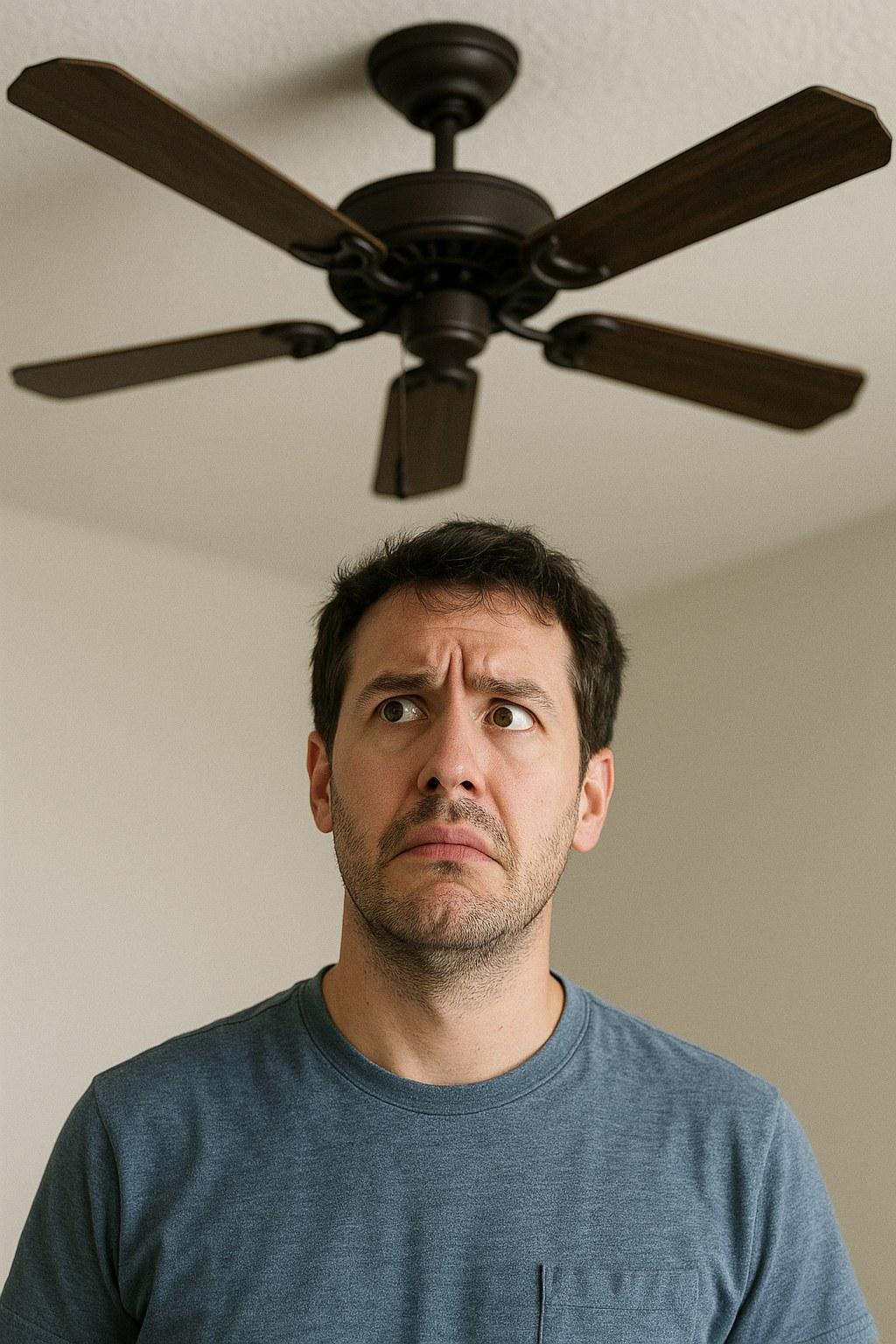
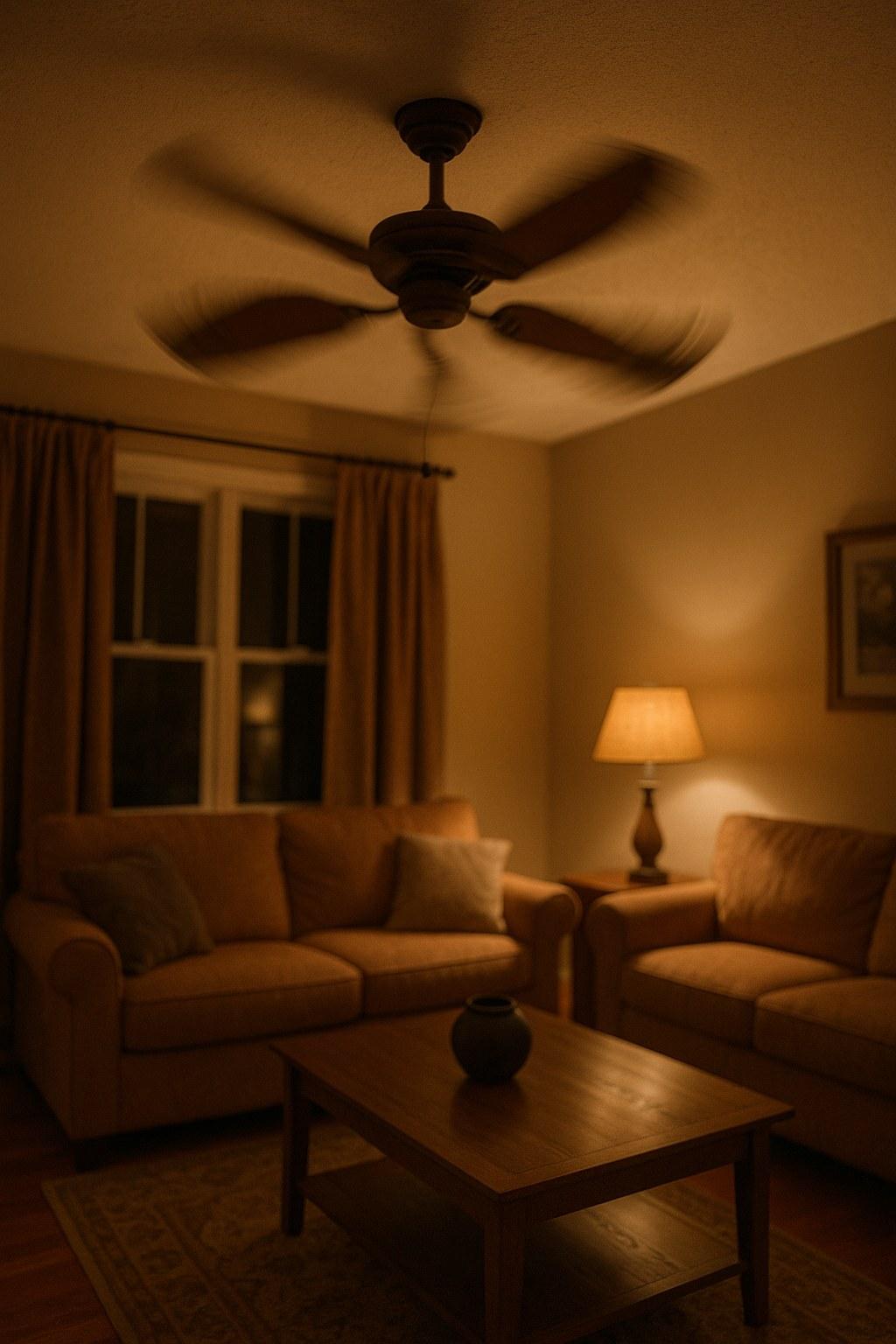
This is a very common issue, and with a few careful steps, you can usually figure out what’s wrong. Whether it’s a portable box fan or a hardwired ceiling fan, this guide will walk you through a safe diagnostic process to get the air moving again.
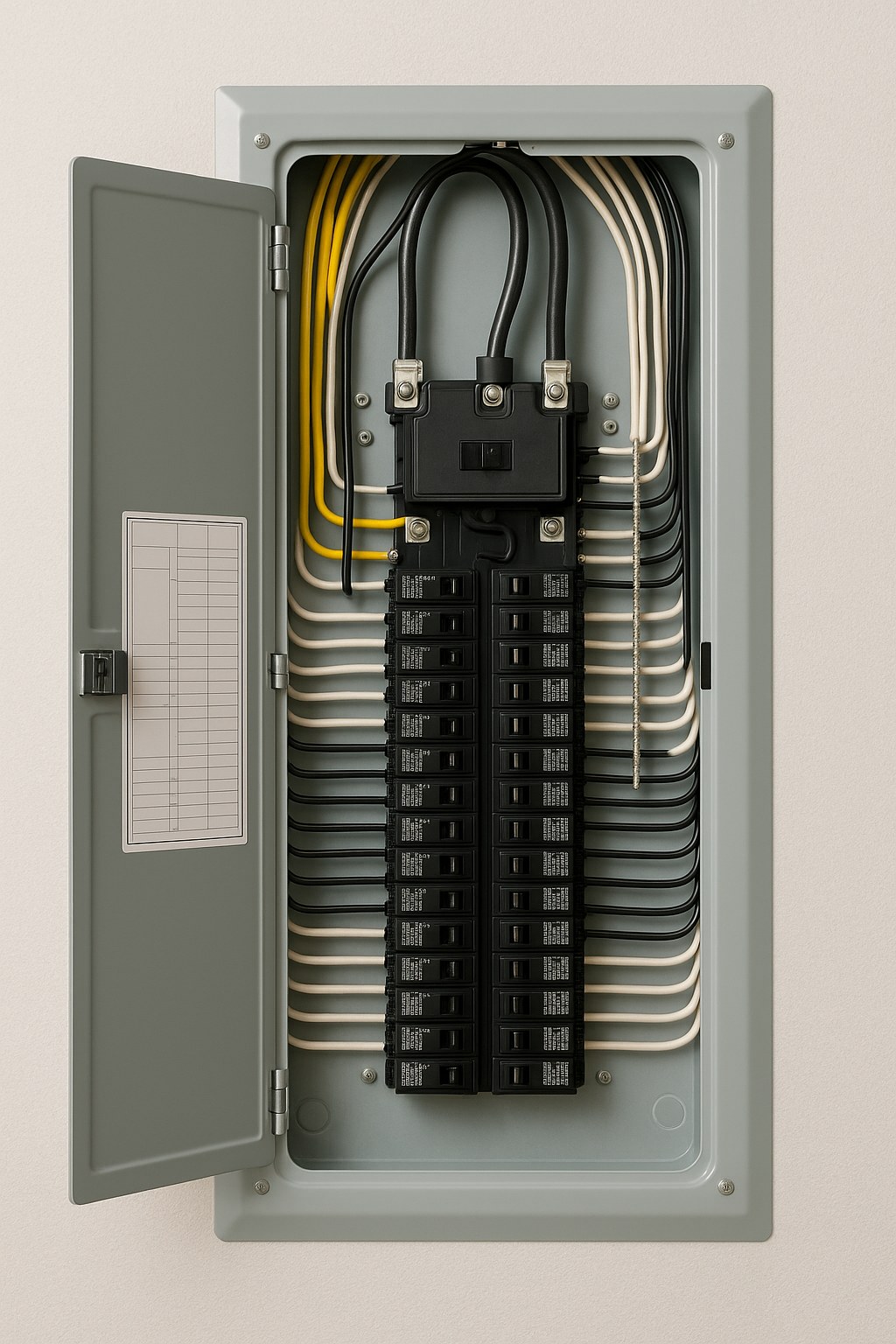 imageAlt: "A homeowner safely inspects a circuit breaker panel."
First, Identify Your Fan Type
Before you can start troubleshooting, you need to know what kind of fan you're dealing with. This determines where it gets its power and what steps to take.
- Plug-In Fans: These are portable fans like box fans, pedestal fans, or table fans. They have a power cord that plugs directly into a wall outlet.
- Hardwired Fans: This almost always refers to a ceiling fan, which is connected directly to your home’s electrical wiring and is operated by a wall switch, pull chain, or remote control.
Once you know which type you have, you can follow the appropriate steps below.
Troubleshooting a Plug-In Fan
If your portable fan won’t turn on, start by checking its power source.
1. Test the Outlet
It’s common for a wall outlet to lose power, often because a circuit breaker has tripped. The quickest way to check is to test it with another device.
- Unplug the fan from the wall.
- Plug in a lamp or phone charger that you know is working.
- If the lamp doesn’t turn on, the outlet is the problem. If it does, the issue is with the fan.
2. If the Outlet Has No Power: Reset the Circuit Breaker
A tripped breaker is a safety feature that cuts power to a circuit to prevent overload. Finding and resetting it is straightforward.
- Locate your home’s electrical panel (often in a garage, basement, or closet).
- Look for a breaker switch that is in the OFF position or stuck in the middle. It may also have a red or orange window indicating it has tripped.
- For safety, stand on a dry surface. Firmly push the breaker all the way to the OFF position, then flip it back to ON.
- Return to the outlet and test it again with your lamp. If power is restored, you can now plug your fan back in and see if it works.
If the breaker trips again immediately after you plug in or turn on the fan, unplug the fan and stop. This could indicate a short in the fan that requires professional attention.
3. If the Outlet Works: Inspect the Fan
If the outlet has power but the fan still won’t run, the issue is with the fan itself. Before you assume it’s broken, check for these simple problems.
- Unplug the fan first.
- Inspect the power cord: Look for any cuts, frays, or damage along the entire length of the cord and at the plug. A damaged cord is a safety hazard, and the fan should not be used.
- Check the controls: Make sure the power button or speed dial isn't stuck or broken. If you have a remote, try replacing the batteries.
- Check for obstructions: Gently try to spin the fan blades by hand. If they don’t move freely, something may be caught in the mechanism.
- Clean the vents: Dust and debris can clog the air intake vents and cause the motor to overheat and shut down. Use a vacuum to clear them.
After a thorough inspection and cleaning, plug the fan back in and test it. If it still doesn't work, it may have a failed motor or internal switch.
Troubleshooting a Hardwired Ceiling Fan
For ceiling fans, the process is similar but focuses on switches and breakers instead of outlets and plugs.
1. Check the Controls
Start with the most obvious solutions. It's surprising how often one of these is the culprit.
- Wall Switch: Flip the switch for the fan off and on.
- Pull Chain: If your fan has one, pull the chain a few times to cycle through its settings. The internal switch can sometimes get stuck between speeds.
- Remote Control: Replace the batteries in the remote.
2. Reset the Circuit Breaker
Just like with an outlet, the circuit a ceiling fan is on can trip.
- Go to your electrical panel and find the breaker that controls the fan. It might be labeled for the specific room (e.g., "Living Room Lights") or "Ceiling Fan."
- Flip the breaker completely OFF, then back to ON.
- Go back and test the fan using its switch or remote.
When to Stop and Call a Professional
Most fan issues are simple to diagnose, but some problems require an expert. Stop immediately and call a professional if you notice any of the following:
- You see burn marks or discoloration on the fan, outlet, plug, or ceiling canopy.
- You smell burning plastic or an electrical odor coming from the fan motor or wall switch.
- Resetting the circuit breaker doesn't restore power to your outlet or ceiling fan.
- A breaker trips repeatedly when you try to use the fan.
- The fan hums but the blades don't spin, even after you’ve confirmed they are not obstructed.
For these issues, it’s safest to call a licensed electrician. They can diagnose and repair problems with your home’s wiring, outlets, and hardwired fixtures like ceiling fans. For a broken portable fan, it is often more cost-effective to simply replace it than to hire a small-appliance repair technician.
Typical Time and Cost
- DIY Diagnosis: 5–15 minutes. The only cost is for new batteries if your fan uses a remote, which is typically under $10.
- Professional Repair: If you need to call an electrician, expect a service fee of $75–$150 just for the visit. Repair costs can range from an additional $100 to over $300, depending on the problem, your location, and the time required. Replacing a simple wall switch is a quick job, while diagnosing and replacing a faulty ceiling fan motor will take longer.
You Can Handle This
A fan that won’t turn on can be a minor inconvenience, but by following these steps, you can confidently determine the cause. By starting with the simplest solutions—checking the power source and controls—you can often solve the problem yourself without any cost.
Keeping a record of which rooms are on which circuit breakers can save you time during troubleshooting. Using a home management tool like Casa is a great way to store this kind of essential information about your home’s systems.
When you need guidance for home maintenance and repairs, Casa is here to help. Download the app to get clear, actionable advice that prepares you for whatever your home sends your way.
Related Reading