Looking for more guidance? Take a look at our Repairs overview.
 BACK
BACKDEC 16, 2025
How to Fix a Vacuum That Wont Turn On
 BACK
BACKDEC 16, 2025
Looking for more guidance? Take a look at our Repairs overview.
You’re all set to tackle the dust bunnies, you plug in your vacuum, flip the switch, and… nothing. A silent, unresponsive vacuum is one of the most common and frustrating household hiccups. But before you start looking up prices for a brand new machine, take a deep breath. The good news is that the culprit is often a simple, easy-to-fix issue that you can handle yourself in under 30 minutes.
Whether you have a trusty corded upright or a sleek cordless stick vacuum, the troubleshooting steps are straightforward. Most of the time, the problem boils down to one of three things: a power supply issue, a blockage, or a battery problem.
In this guide, I’ll walk you through the process of diagnosing why your vacuum won’t turn on, just like I would over the phone. We'll cover both corded and cordless models to get you back to cleaning in no time.
This might seem obvious, but it’s the most important first step, as it determines our entire troubleshooting path.
Take a quick look at your machine. If you see a long power cord attached to the base, you’ve got a corded model. If you see a removable battery pack and no cord, it’s cordless. Once you know which type you have, follow the appropriate section below.
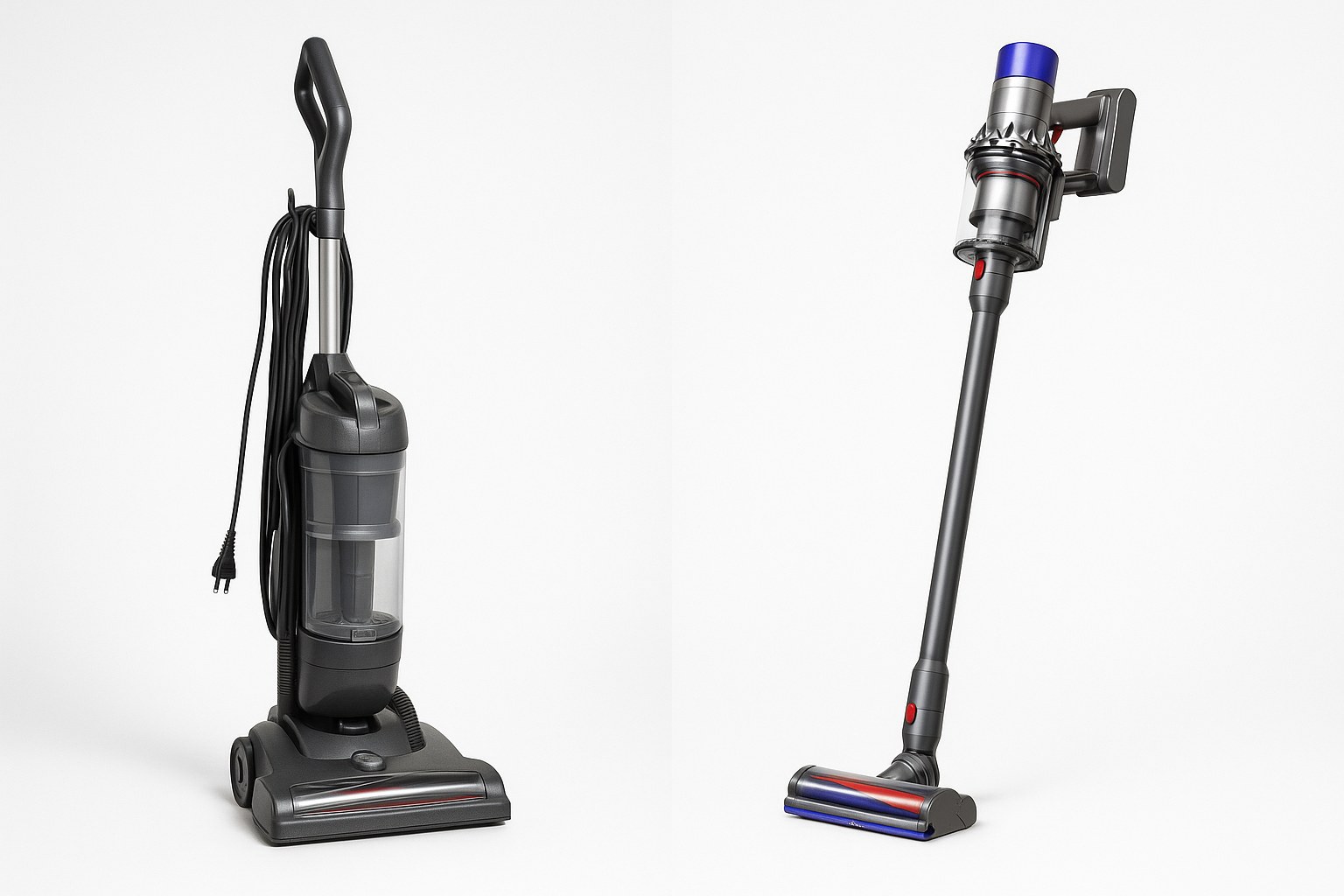
If your corded vacuum is giving you the silent treatment, the problem is almost always related to the power flow. Let’s trace the power from the wall to the vacuum’s motor.
First, let's make sure electricity is actually getting to your vacuum.
If your vacuum now turns on, congratulations! You've solved the mystery. If it’s still not working, let's move on to the vacuum's internal safety features.
Many vacuums have built-in protection to prevent the motor from overheating or drawing too much power.
If it works, the motor likely overheated from a blockage. If not, a blockage is our next suspect.
A clog is the most common reason a vacuum overheats and shuts down using its thermal cutoff feature. This safety mechanism prevents the motor from burning out, but it also means the vacuum won't turn on until it cools down and the clog is removed.
After reassembling everything, plug the vacuum in and give it another try. In most cases, clearing a blockage will bring it back to life. If not, the internal wiring or power switch may be faulty, and it's time to consult a professional.
Cordless vacuums offer incredible convenience, but their batteries are the most common point of failure. If your cordless model won’t start, let's focus on the battery and potential blockages.
A dead or improperly seated battery is the number one reason a cordless vacuum fails to start.
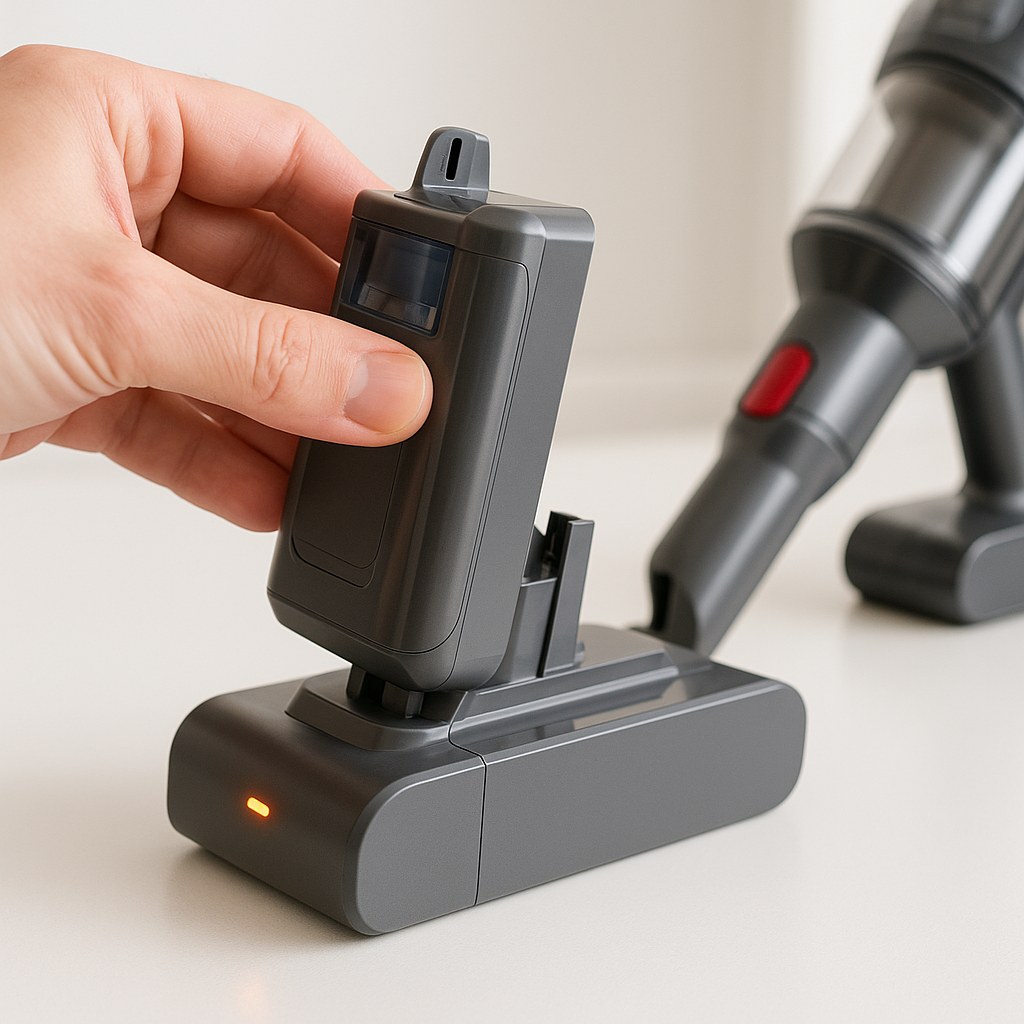
If it springs to life, you're all set! If it’s still dead after a full charge, the battery itself may have reached the end of its life.
Like all rechargeable batteries, vacuum batteries degrade over time. According to manufacturers and repair experts, the average lifespan of a cordless vacuum battery is about two to three years.
Try turning it on now. A new battery often makes a cordless vacuum feel brand new again.
Just like their corded cousins, cordless vacuums have thermal safety cutoffs to protect the motor from overheating due to clogs.
After following these steps, try the power button one more time.
If you've tried everything on this list and your vacuum still won't turn on, the issue is likely more complex. It could be a faulty power switch, a damaged internal wire, or a dead motor. According to HomeAdvisor, the average cost to have a small appliance like a vacuum repaired by a technician can range from $50 to $150. While this can be a worthwhile investment for a high-end model, you may find that replacing a budget-friendly vacuum is more cost-effective.
That dead vacuum in your closet doesn’t have to be a lost cause. By methodically checking the power source, battery, and potential blockages, you can solve the vast majority of issues yourself and save a significant amount of money.
For more easy-to-follow DIY guides and direct access to trusted home maintenance professionals for the jobs you can't handle alone, download the Casa app today. We're here to help you keep your home running smoothly, one fix at a time.